iPhone and iPad
See the Wi-Fi the way your phone sees it
Walk to the places where the connection struggles. nOversight shows signal, link rate and access point changes as you go, then sums up what happened in plain words.
Free to try in 60-second live sessions. iOS and iPadOS 17 or later.
Live
Walk and watch
Start a session and carry the phone through the room, office or route. Each reading lands on the map where you took it, coloured against the requirement you set, so weak spots and the edge of coverage show up as you walk.
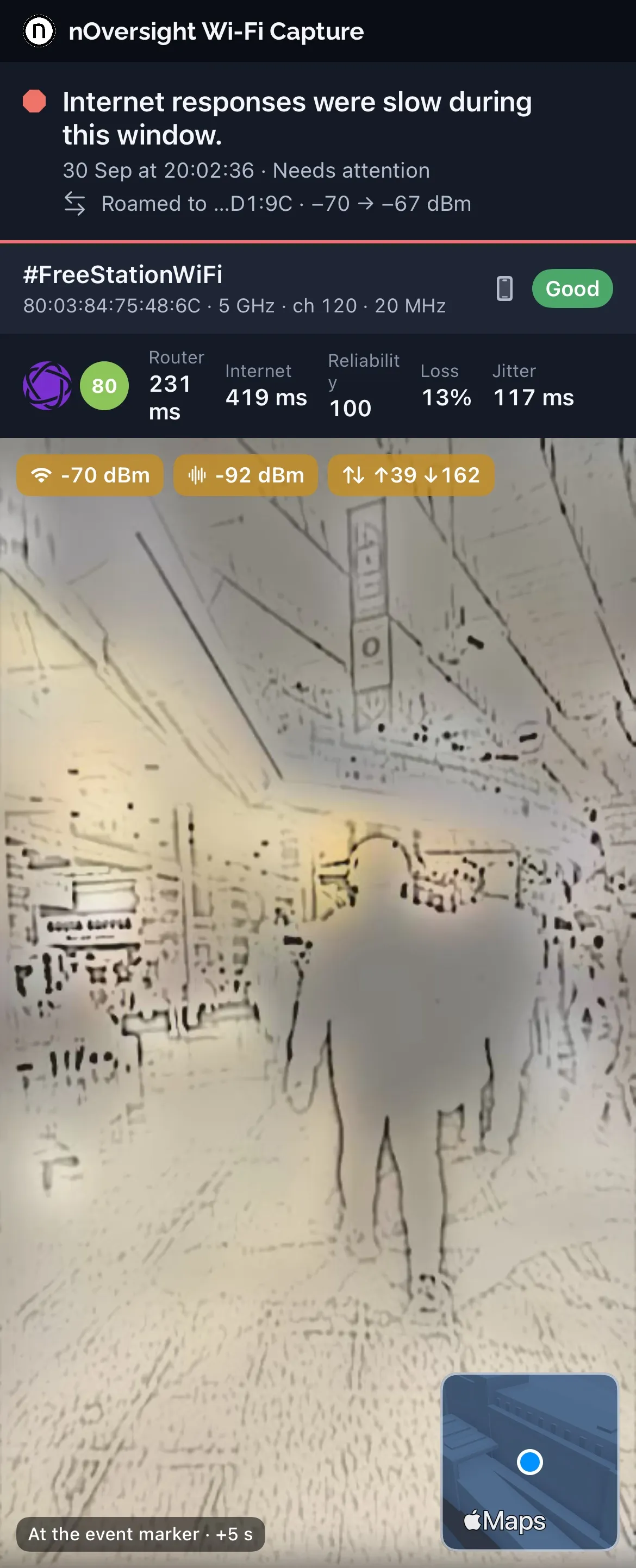
The AR view puts the same readings over the camera, with the background blurred. Review any recording before you share it.
Same phone, more detail
Add the phone’s own diagnostic capture
Some of what slows Wi-Fi is invisible to a live app: frames that had to be sent again, a channel kept busy by other networks, and Apple’s record of each roam. Your iPhone logs these itself.
Save a diagnostic capture (a sysdiagnose) on the same phone after your walk and import it with Pro. The summary then covers retries, channel use and roaming as well as signal. How much Wi-Fi delay detail appears depends on the iOS version.
Diagnostic capture
- 1 TriggerPress both volume buttons and the side button together.
- 2 FindSettings › Privacy & Security › Analytics Data.
- 3 ShareShare the sysdiagnose file to nOversight.
Keep and share
Keep the walk, take it further on Mac
Pro saves each walk to replay later and exports the readings as CSV, with an option to mask network names and locations first.
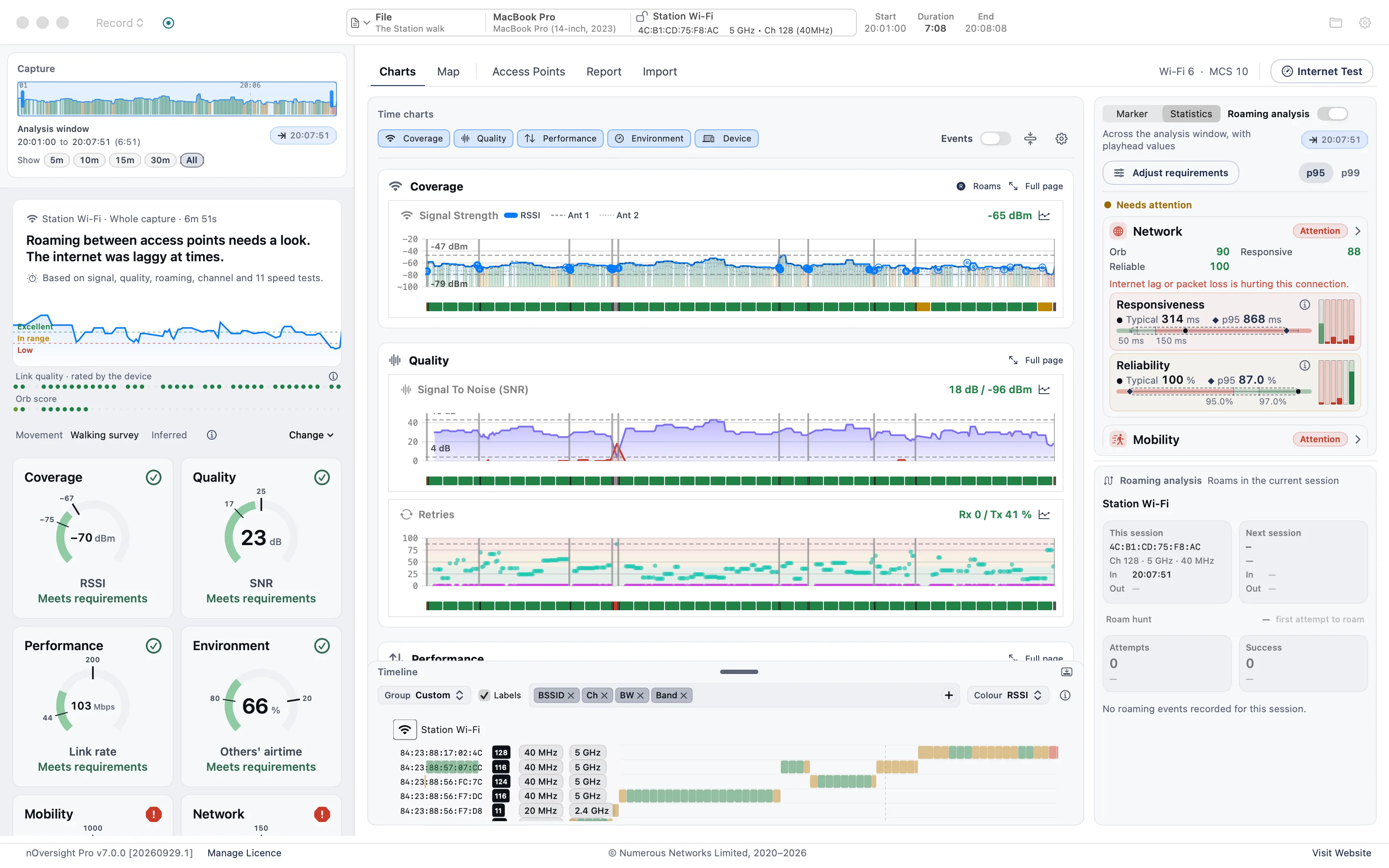
Open the same walk in nOversight for Mac to follow a finding into its charts and produce a PDF report. The Mac app has its own licence.
Before you start
One Shortcut, once
iOS only shares detailed Wi-Fi readings through Shortcuts. The app installs the nOversight Shortcut with you; choose Always Allow.
No router access needed
nOversight reads your device’s side of the connection. It never changes router or access point settings.
Speed tests run themselves
With Orb turned on, the phone tests the internet connection as conditions change. There is no button to start a test.