
Walk and watch
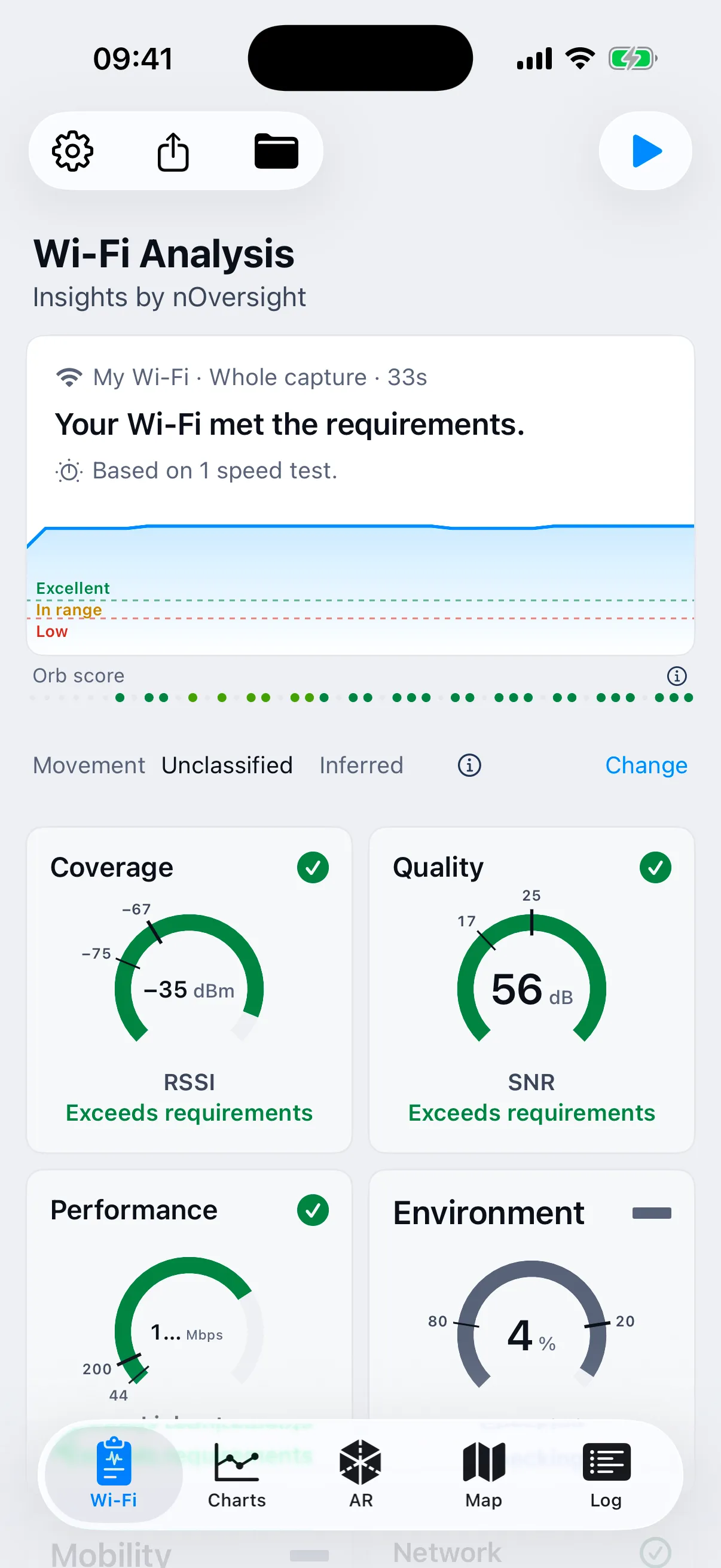
See signal, link rate and access point changes as you move with your iPhone or iPad.
As easy as a walk
It's as easy as taking out your phone and walking. nOversight tests the Wi-Fi as you go and shows signal, link rate and access point changes over the camera view. The blurred camera background keeps attention on the readings. Review any recording before sharing it.
See it on iPhoneLook beyond the bars
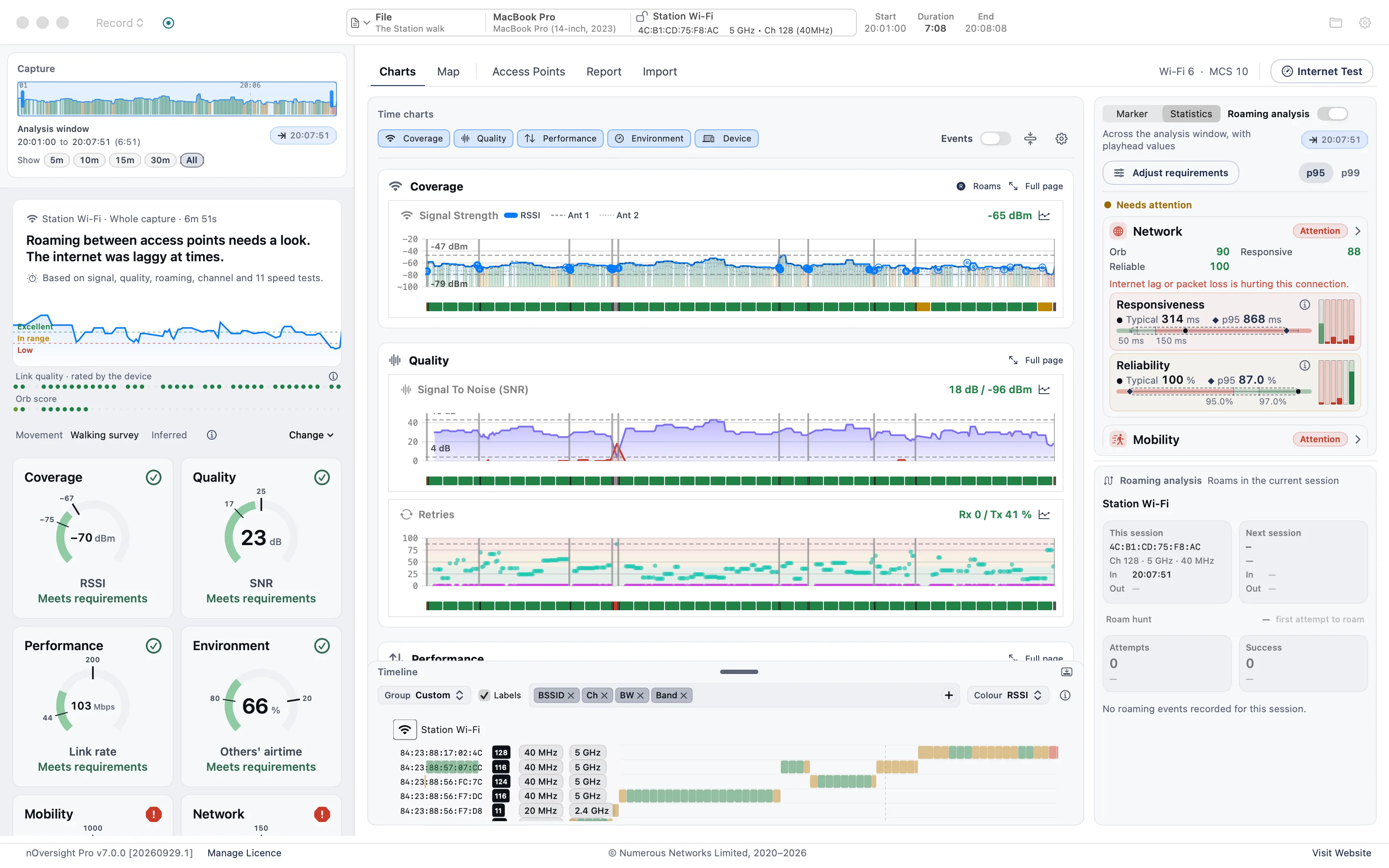
A strong signal does not always mean a good connection. Add the same phone’s Wi-Fi log to check retries, channel activity and roaming alongside your internet results.
Explore slow Wi-FiFind the edge
Walk through the places where Wi-Fi struggles and see where the signal falls below your chosen requirement. Use the map to judge where an extra access point or mesh node would help, then test again after the change.
Explore coverage testingShare the air
Nearby networks share the channel with yours, whether they belong to the flat next door or the office upstairs, and interference can make it busier. Add your phone’s Wi-Fi log to see when the channel was crowded before changing channel or moving your router.
Busy channels explainedStart simple. Add detail when you need it.
See signal, link rate and access point changes as you move with your iPhone or iPad.
Import its Wi-Fi log to review retries, channel activity and Apple's roaming record.
Wi-Fi log import needs Pro.
Inspect additional live measurements on a larger screen. Connect by USB or over a suitable Wi-Fi network.
Connecting a phone to your MacFor deeper investigation
Inspect charts and selected time windows on Mac. With Mac Pro, create a PDF report showing the result, test conditions and supporting evidence.
Yes. On iPhone and iPad, the free version runs live sessions of up to 60 seconds. Basic removes the time limit, and Pro adds saved captures, Wi-Fi log import and CSV export. On Mac, Basic has a 3-day trial and Pro a 7-day trial.
No. Start with the summary and open the readings behind it when you want more detail. nOversight helps you investigate. Any change to your router or access points is yours to make, and you can test again afterwards.
Capture analysis runs locally, and you decide when to export or share a capture or report. Optional internet tests contact external services and are separate from that local analysis.
No. iPhone and iPad subscriptions and Mac licences are separate. PDF reports need Mac Pro; the phone app exports CSV.
iPhone, iPad or Mac?
Start with the device that has the problem. Add the Mac when you need to dig in or hand over a report. The apps are licensed separately.
| If you want to | Use |
|---|---|
| Walk a home, office or venue and see where the Wi-Fi struggles | iPhone or iPad |
| See retries and channel use from that walk | iPhone or iPad with Pro, plus the same phone’s Wi-Fi log |
| Check a Mac’s own Wi-Fi at a desk | Mac |
| Follow a phone’s readings live on a big screen | Mac with the phone connected |
| Review saved walks and access points, or send a PDF report | Mac Pro |